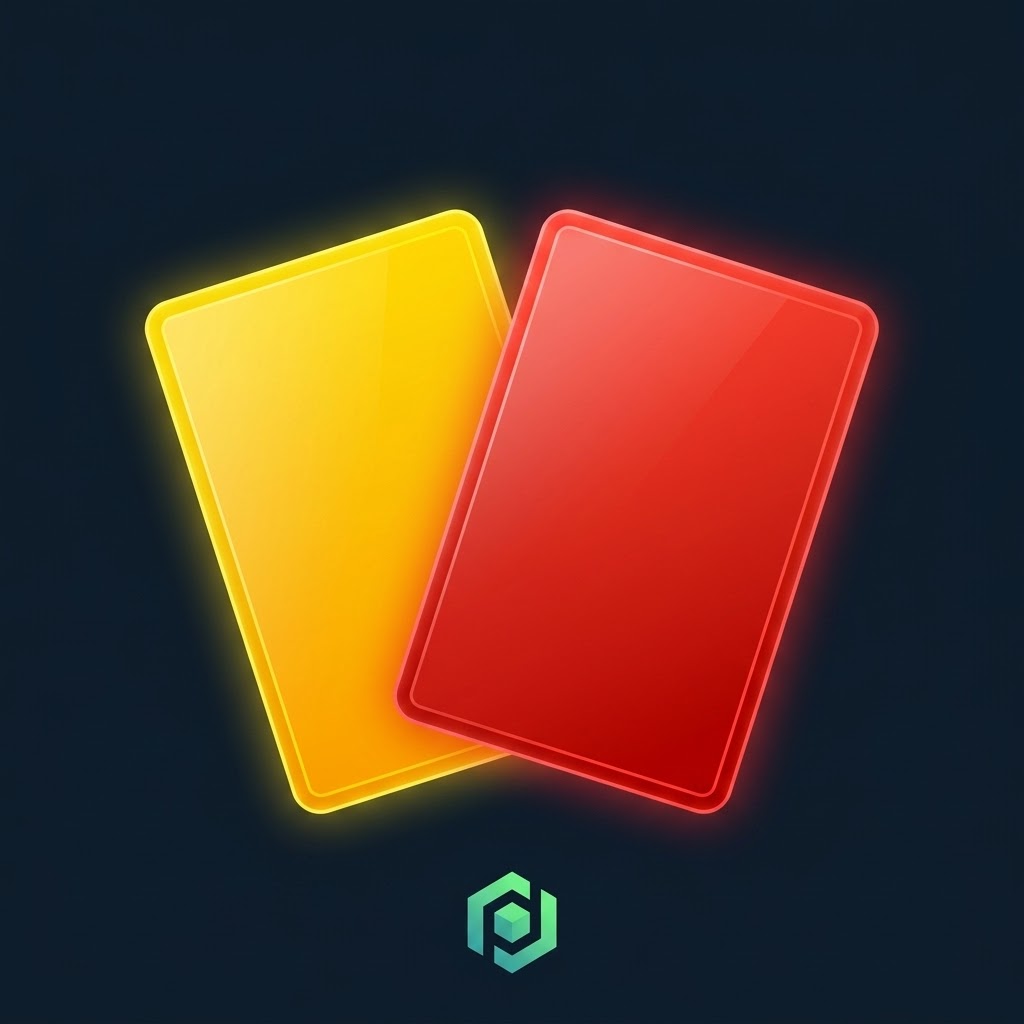
Cards is a special bonus in Predicto that lets predictors attack a chosen rival in their room once every round, blocking part of the points they'd earn for a given match. It's a great way to slow down a top rival and shake up the room ranking.
What are Cards?
Cards is an attack bonus you can assign to one match per round, together with a rival from the room you want to target. You can choose between two card types: a red card, which blocks 100% of the rival's points for that match, and a yellow card, which blocks 50%. The bonus is available once every round — it doesn't carry over to the next round.
How to enable Cards in a room?
Whether Cards are available is decided by the room creator when setting up the room — in the settings step they can enable or disable this bonus for all participants. If Cards are active, you'll see their description in your room's "Info" tab.
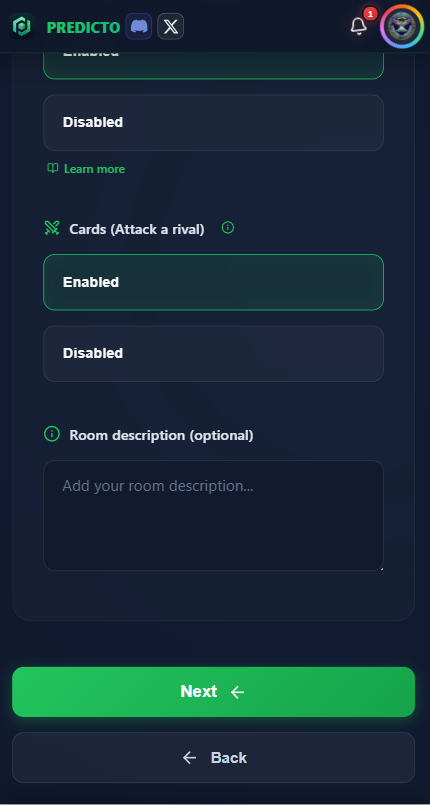
The Cards bonus toggle in the new room settings.
How to use Cards while predicting?
Before you can attack a rival, you first need to submit your prediction for that match — only then does the attack option unlock next to the prediction form.

First, predict the match — the standard prediction form.
Once your prediction for that match is saved, you'll see an "Attack a rival" option. Pick a card type (red or yellow) and the rival from the room you want to attack. The attacked player only finds out after the match starts, so they can't dodge it or strike back in time.

Choosing the card type and the rival to attack.
Rules and limits
- Cards are available once every round — an unused card doesn't carry over to the next round.
- You can use it on only one match per round, targeting only one rival.
- Until the match starts, you can change your mind — move the card to a different, not-yet-started match in the same round, change its type, the targeted rival, or remove it entirely.
- Once the match starts, your choice is final.
- Cards aren't available in Quick Match rooms (there you only predict one match, so the bonus doesn't apply).
When is it worth using Cards?
It's best to save your card for the moment your biggest threat is at stake — e.g. the room's ranking leader who keeps nailing their picks. Play the red card when you want to land maximum damage before a decisive match of the round, and the yellow card when you'd rather play it subtle but consistent. It's also worth waiting until right before kickoff to pick whichever rival is threatening you the most at that point.
Check the "Info" tab in your room to see if Cards are active, and start playing smarter today!