
Sometimes the prediction you made before kickoff stops making sense fast — a team plays nothing like you expected. That's why Predicto rooms can have Score adjust enabled: once every round, you can correct your prediction for a match that's already underway.
Where to turn it on
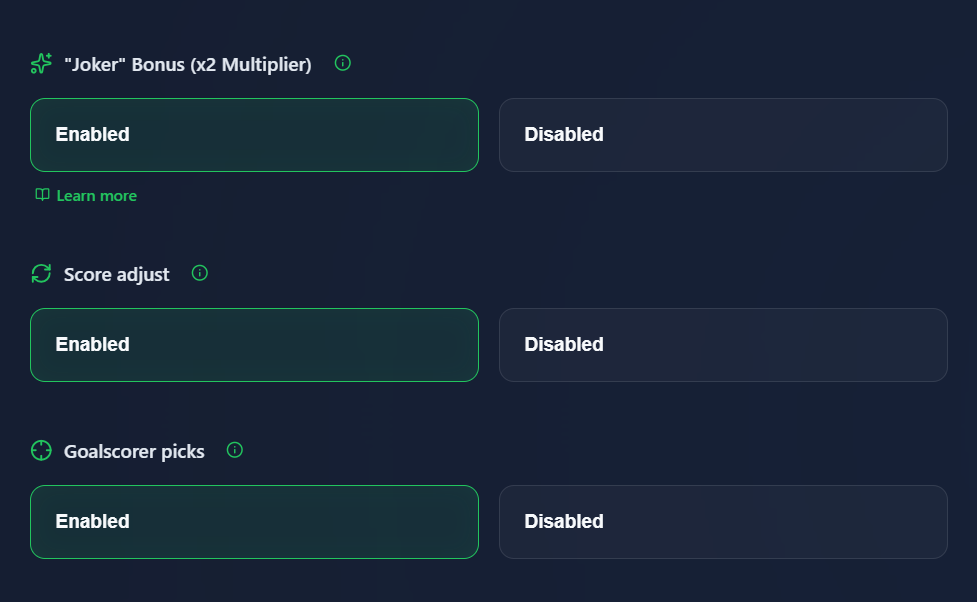
Score adjust is enabled when creating a room, in the bonuses section — next to cards or VAR. If you're playing in someone else's room, check the room settings to see whether it's active.
What it looks like during a match
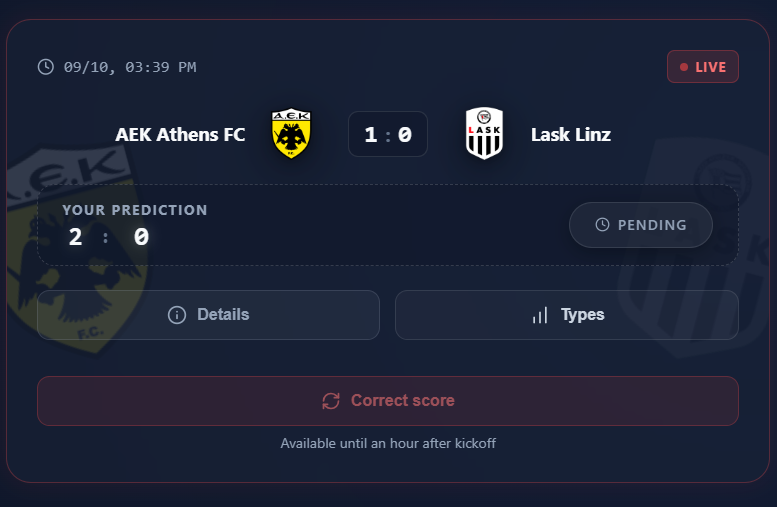
Once a match you've predicted kicks off, a Correct score button appears on the match card. It's only available for an hour after kickoff — if time is running low, the button starts pulsing red as a reminder.
How to change the score
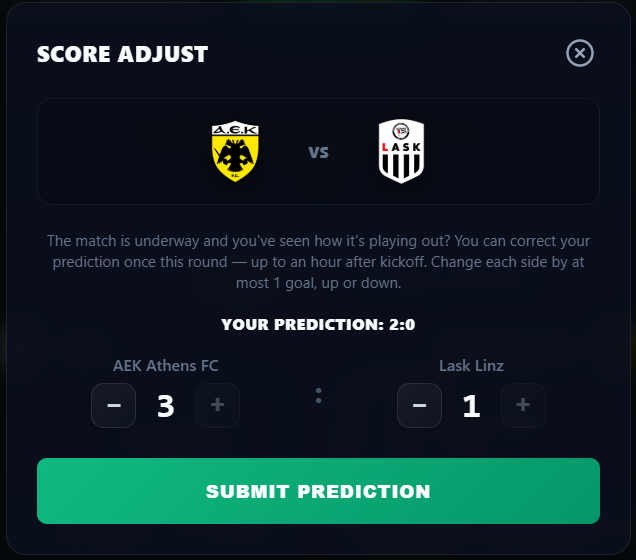
Tapping the button shows your original prediction, and you can change each team's score by at most 1 goal, up or down. You can't correct it by more than that — it's a correction based on what you're seeing on the pitch, not a brand-new prediction.
Worth remembering
Score adjust is available once per round — if you use it on one match, the other matches will just show which match it was used on. Once you save the change, it can't be undone or corrected again in the same round, so make sure before you click.