
One of the more interesting bet types available in Predicto rooms is picking the match scorer. Instead of just predicting the final result, you can try to guess which player will find the net. It's an extra layer of competition inside the room that adds more excitement to every match.
How to enable scorer picks in a room
Scorer picking isn't turned on by default – the room admin decides whether this mode is available to participants. You'll find the setting during room creation, in the additional bets configuration section. Just enable it, and every player in the room will be able to pick a scorer for upcoming matches.
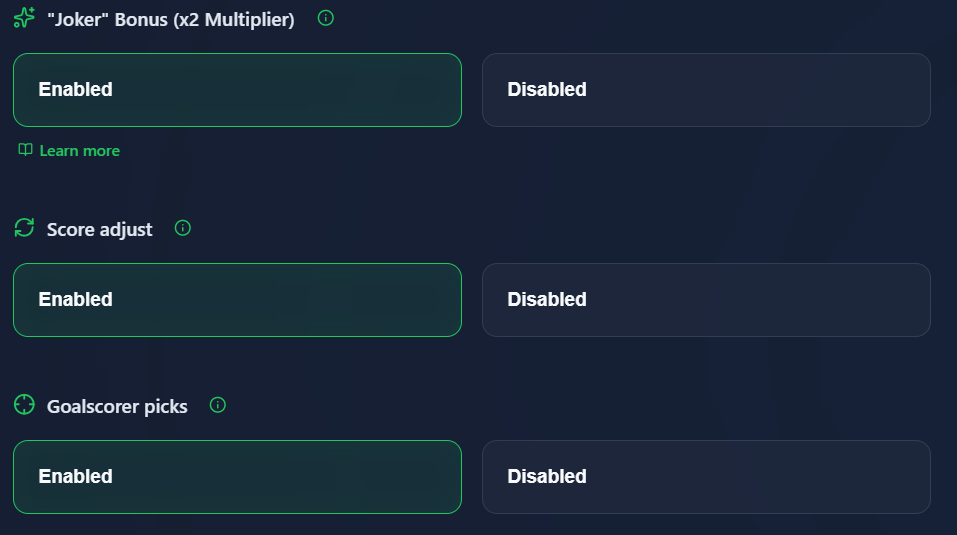
This option can also be turned on after the room has already been created, from the admin panel in the room settings.
Picking a scorer for a specific match
When the option is active, an extra “Pick scorer” button appears on every match in the room. You'll find it directly on the match card, next to the other bet types.
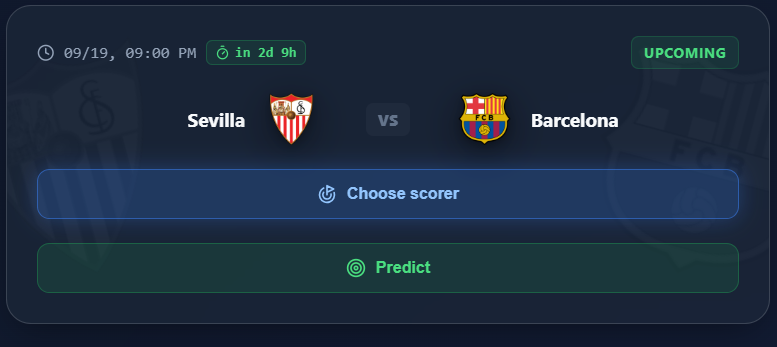
Tapping the button opens the lineups view for both teams, where you choose a player.
Where the list of players comes from
The list of available players depends on whether the official lineup for that match has already been announced:
- If the lineup is already known, you can pick from the starting eleven and the bench of both teams, sorted from attacking positions down to the goalkeeper.
- If the lineup hasn't been published yet, you can pick any player from the full squad of either club.
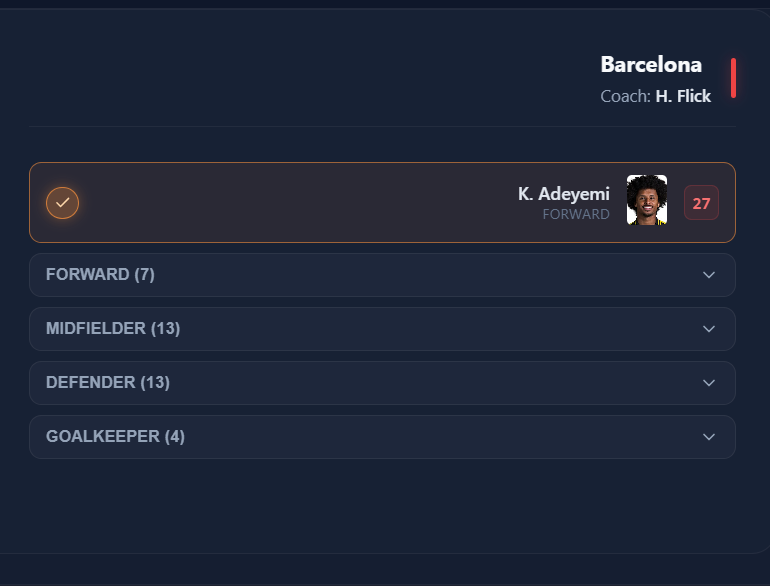
Just tap the player you want on the list to confirm your pick. You can change your pick until the match kicks off – once it starts, the selection is locked.
Summary
Picking the scorer is a simple way to spice up the competition in a Predicto room. Just enable the option when creating the room (or later in its settings), and use the button on the match card to point to the player you think will score.